
Stats
Understand app usage, website usage, Screen Score, and browser compatibility in LookAway.
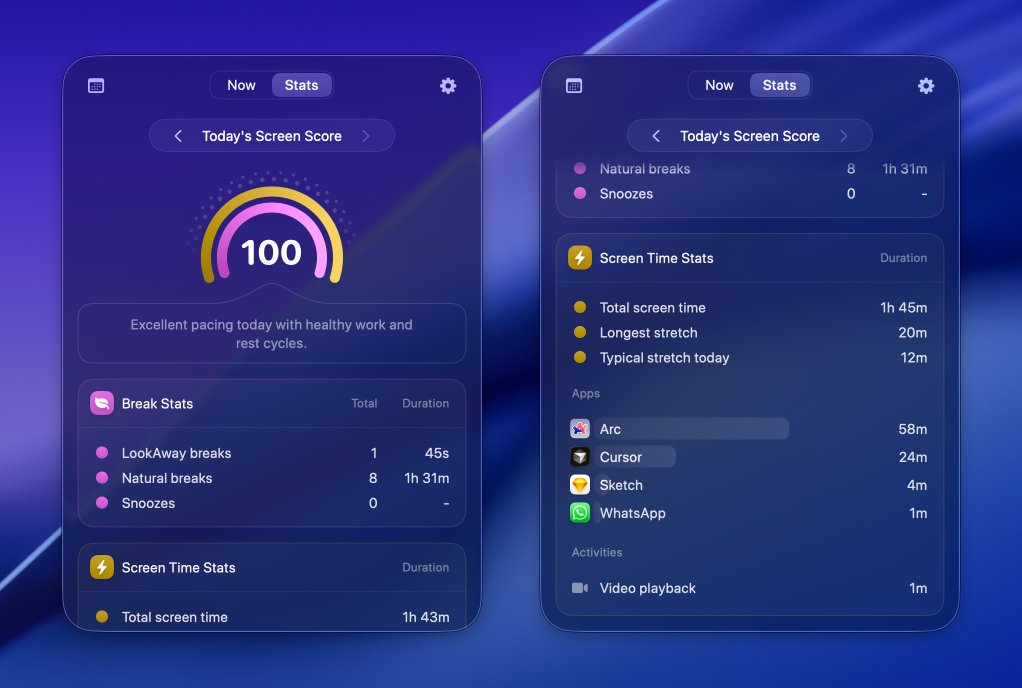
LookAway's Stats view helps you understand what your day at the screen actually looked like. Instead of only reminding you to take breaks, it also shows how long you worked, how often you stepped away, which apps you used, and which websites took the most time during your active screen sessions.
What Stats includes
LookAway's Stats page combines a few different signals so you can spot patterns without digging through a lot of numbers:
- Total screen time for the day
- Break count so you can see how often you actually stepped away
- Longest session without a proper break
- Median session length for a better sense of your normal work rhythm
- App usage during active screen sessions
- Website usage by domain in supported browsers
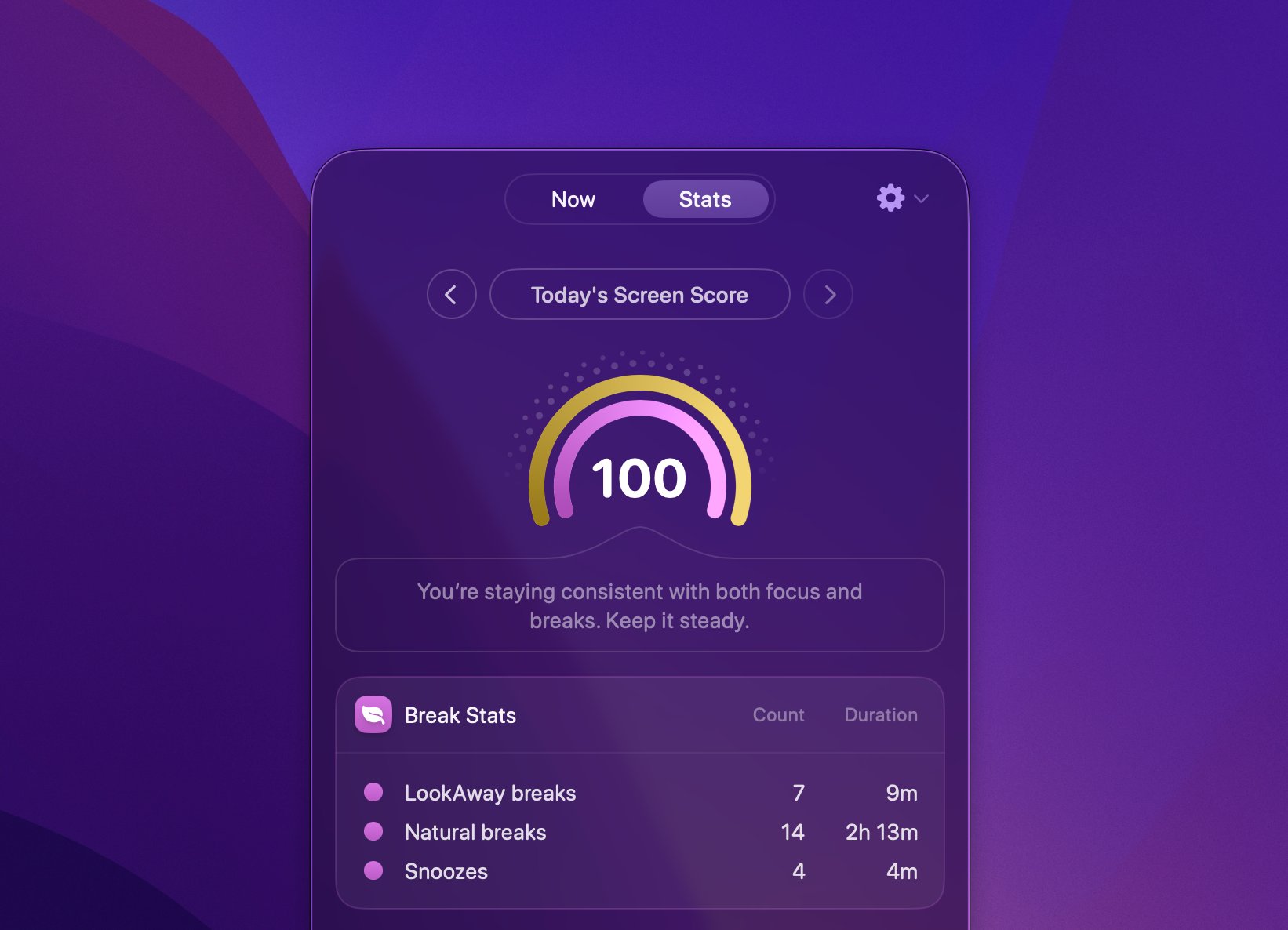
- Screen Score as a quick summary of how healthy your screen habits were that day
This makes it easier to answer practical questions like:
- Are your work sessions getting too long?
- Are certain apps or websites dominating your day?
- Did your break settings improve your habits this week?
- Are you postponing or skipping breaks more often than you thought?
App usage
App usage shows which apps took up the most time during your screen sessions. This is useful for seeing where your work day actually goes, whether that is your editor, browser, communication apps, design tools, or something else.
Because the data is tied to active screen sessions, it is more useful than a raw "app open time" number. It helps you understand what you were using while you were actually working at the screen.
Website usage
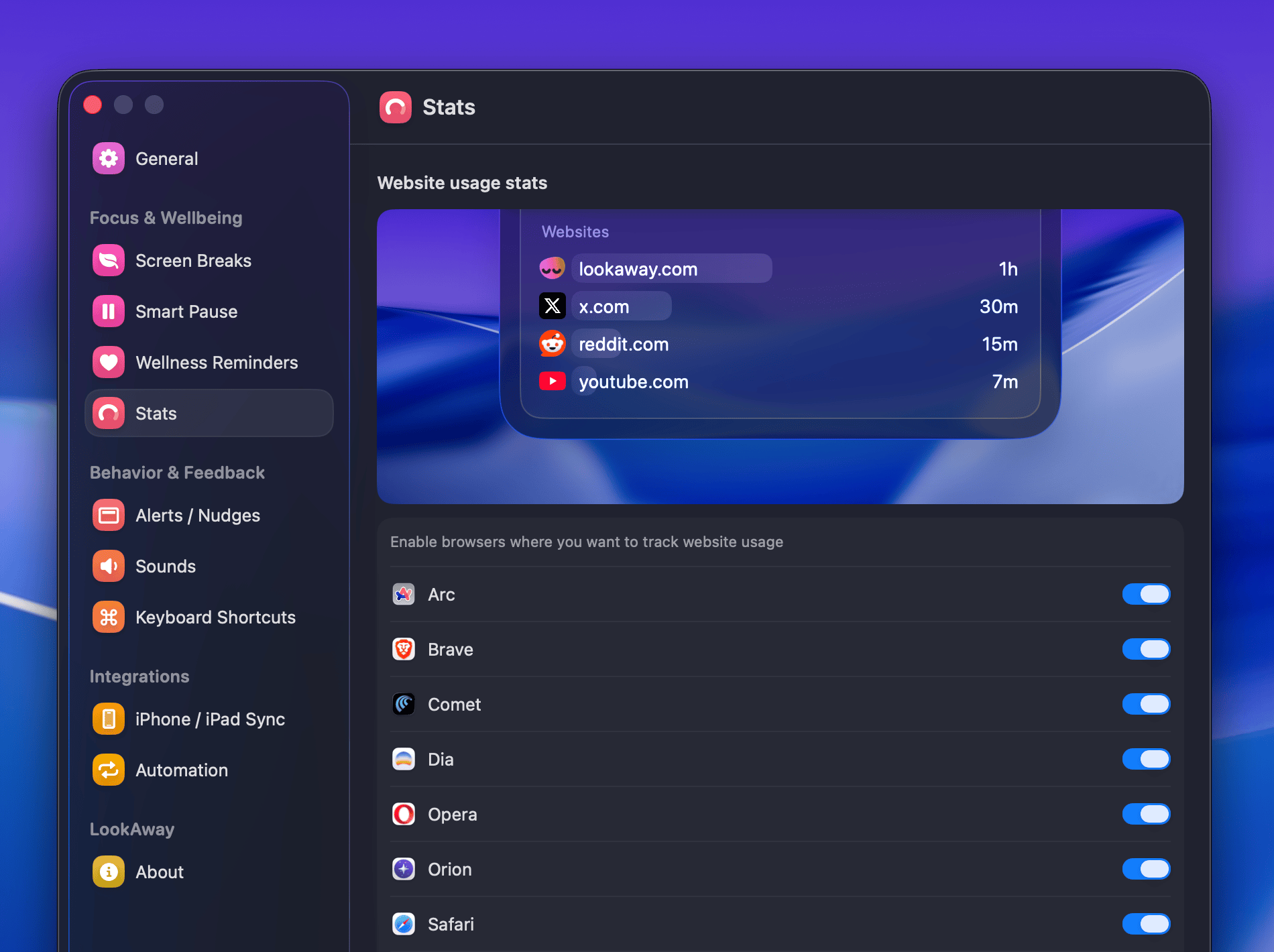
Website usage breaks browser activity down by domain, such as docs.google.com, youtube.com, or lookaway.com. It helps you see where your browser time goes instead of showing the browser as a single bucket.
To use website stats:
- Open LookAway Settings.
- Go to Stats.
- Enable the browsers you want LookAway to track.
If a browser is disabled, unsupported, or not granted the required permission, LookAway will still count time in the browser app itself, but it will not be able to break that time down into websites.
Browser compatibility for website usage
The table below shows which browser groups support website usage stats in each version of LookAway.
| Browser group | Examples | Standalone | Setapp | App Store | Notes |
|---|---|---|---|---|---|
| Safari-based | Safari, Safari Technology Preview, Orion | Supported | Supported | Supported | Enable the browser in Stats settings to start website tracking. |
| Chromium-based | Arc, Brave, Chromium, Comet, Dia, Chrome, Helium, Edge, Opera, Sidekick, SigmaOS, Thorium, Vivaldi, Wavebox | Supported | Supported | Supported | Includes supported beta, canary, dev, nightly, GX, and snapshot variants where available. |
| Firefox / Gecko-based | Firefox, Firefox Developer Edition, Firefox Nightly, LibreWolf, Zen | Supported | Supported | Not supported | Standalone and Setapp require Accessibility permission for website tracking in these browsers. |
| Unsupported | ChatGPT Atlas and unlisted browsers | App only | App only | App only | LookAway can still count time in the browser app, but not break it down by website. |
Screen Score
Screen Score is LookAway's quick summary of how healthy your screen habits were for the day. It gives you a single number from 0 to 100, so you can tell at a glance whether your setup is helping you build better habits.
At a high level, Screen Score rewards:
- shorter uninterrupted work sessions
- consistent breaks
- fewer skipped breaks
It combines two parts:
- Session discipline worth up to
60points - Break adherence worth up to
40points
Every skipped break reduces the break-adherence portion of the score. Longer work stretches also pull the session-discipline portion down, especially when your longest sessions drift too far beyond your target rhythm.
The goal is not to judge your productivity. It is there to help you quickly spot whether your current break schedule is working for you.
How Stats helps
Stats is most useful when you use it as a feedback loop:
- Check whether your screen sessions are regularly stretching too long.
- See if Smart Pause or your break schedule is actually improving your habits.
- Identify distracting apps or websites that quietly eat into your day.
- Use Screen Score as a fast daily summary instead of manually interpreting every metric.
If you want to improve your score, try shortening work sessions a little, skipping fewer breaks, and checking whether your reminders are happening at moments that fit your workflow.