LookAway
 LookAway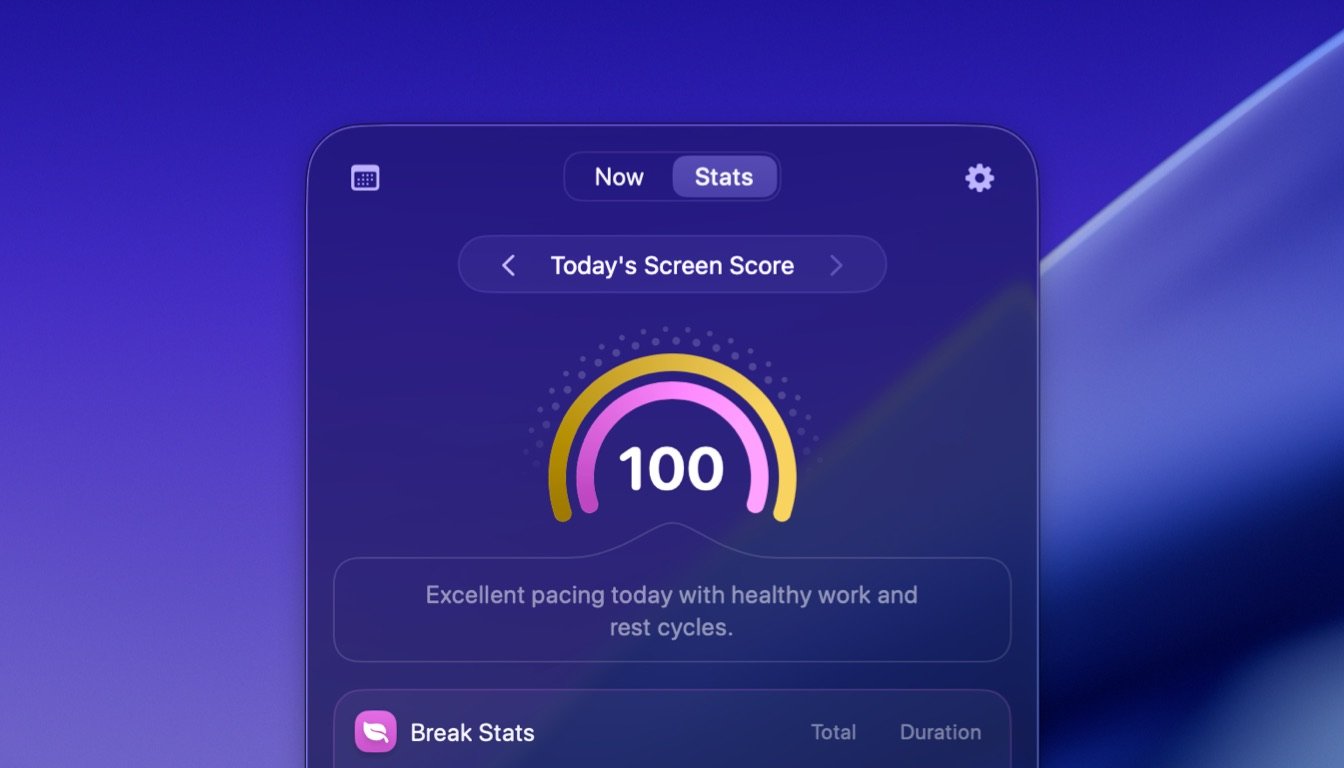
LookAway 2.0 has finally arrived.
This update brings a fresh redesign built for macOS Tahoe, embracing the new Liquid Glass aesthetic along with a number of improvements under the hood. You’ll also find new animated break backgrounds, improved sounds, smarter controls, and a brand new way to understand your screen habits.
Here’s what’s new.
Screen Score and Stats
LookAway now gives you a much clearer overview of how you spend your time in front of the screen.
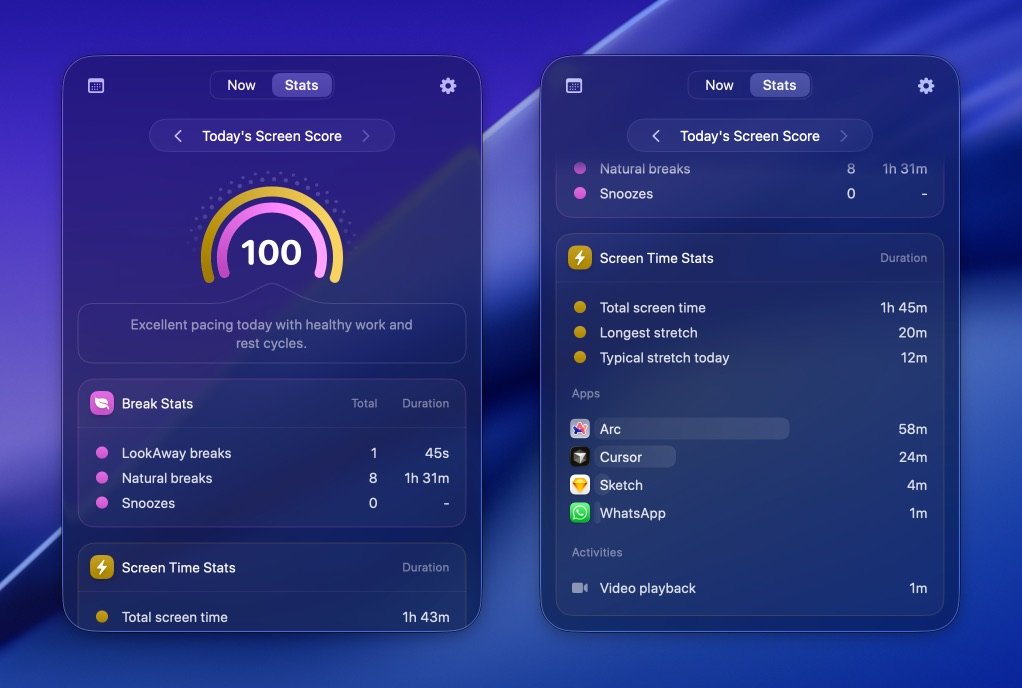
The new Stats dashboard shows key information like:
- Total screen time for the day
- Number of breaks taken
- Your longest session without a break
- Median session length
- App usage during your screen sessions
All of this helps you understand your screen habits at a glance.
Along with these raw stats, LookAway now introduces Screen Score — a simple metric that reflects how well you stick to healthy screen habits throughout the day.
Your score starts at 100 and gradually decreases when:
- you skip scheduled breaks
- you work for long stretches without stepping away
It’s designed to give you a quick, meaningful summary of how your day at the screen went — without needing to analyze a bunch of numbers.
Quick Look
The menu bar experience has been completely reimagined.
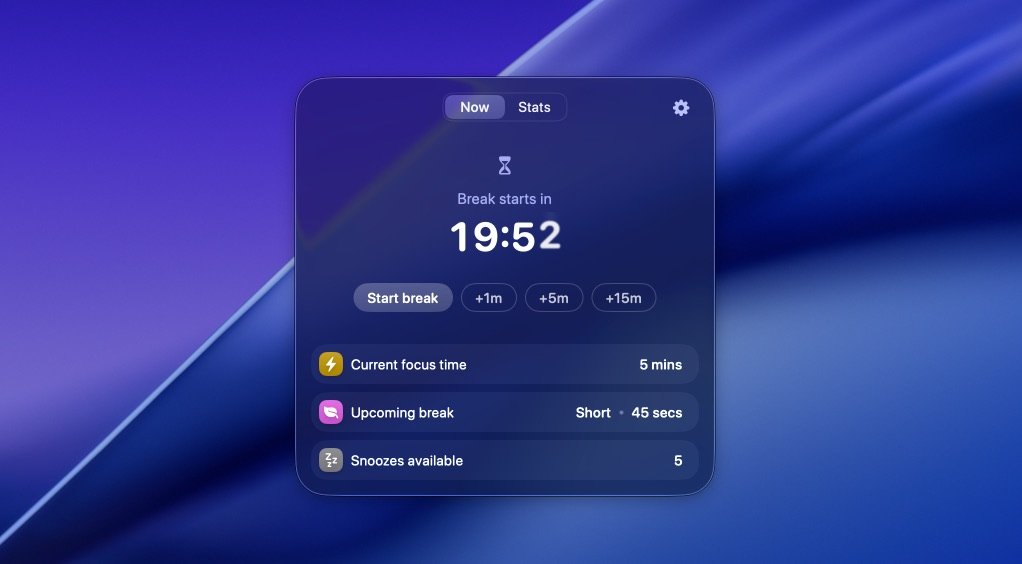
Instead of a simple dropdown menu, LookAway now opens a mini control center that shows everything you need about your current session.
From here you can quickly:
- see how long you’ve been working
- check your Screen Score
- pause or resume LookAway
- start the next break immediately
- access settings and other actions
You can also summon this Quick Look panel anytime with a keyboard shortcut, making it easy to check in on your screen habits without interrupting your flow.
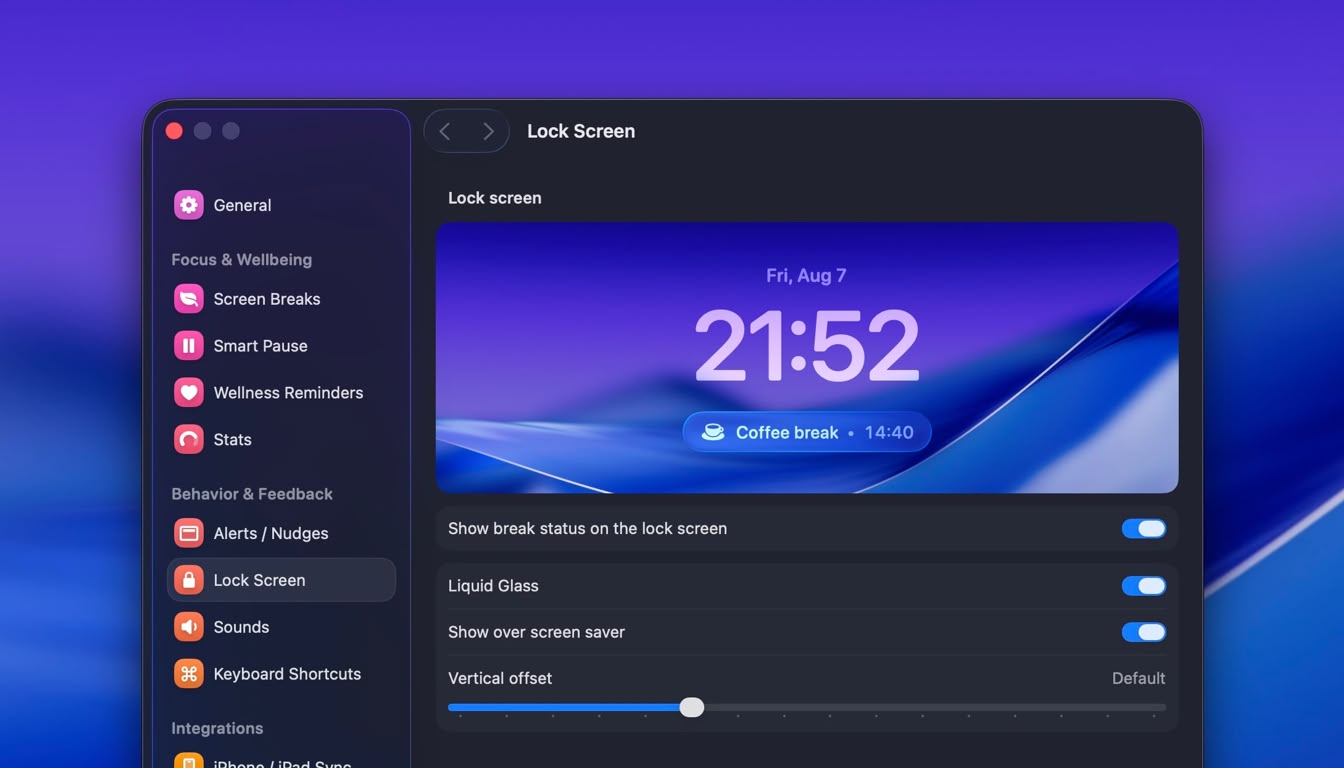
Redesigned for Liquid Glass
LookAway has been fully redesigned to embrace macOS Tahoe’s Liquid Glass design language.
The interface now feels lighter, smoother, and more integrated with the system — while still keeping the calm, minimal feel that LookAway is known for.
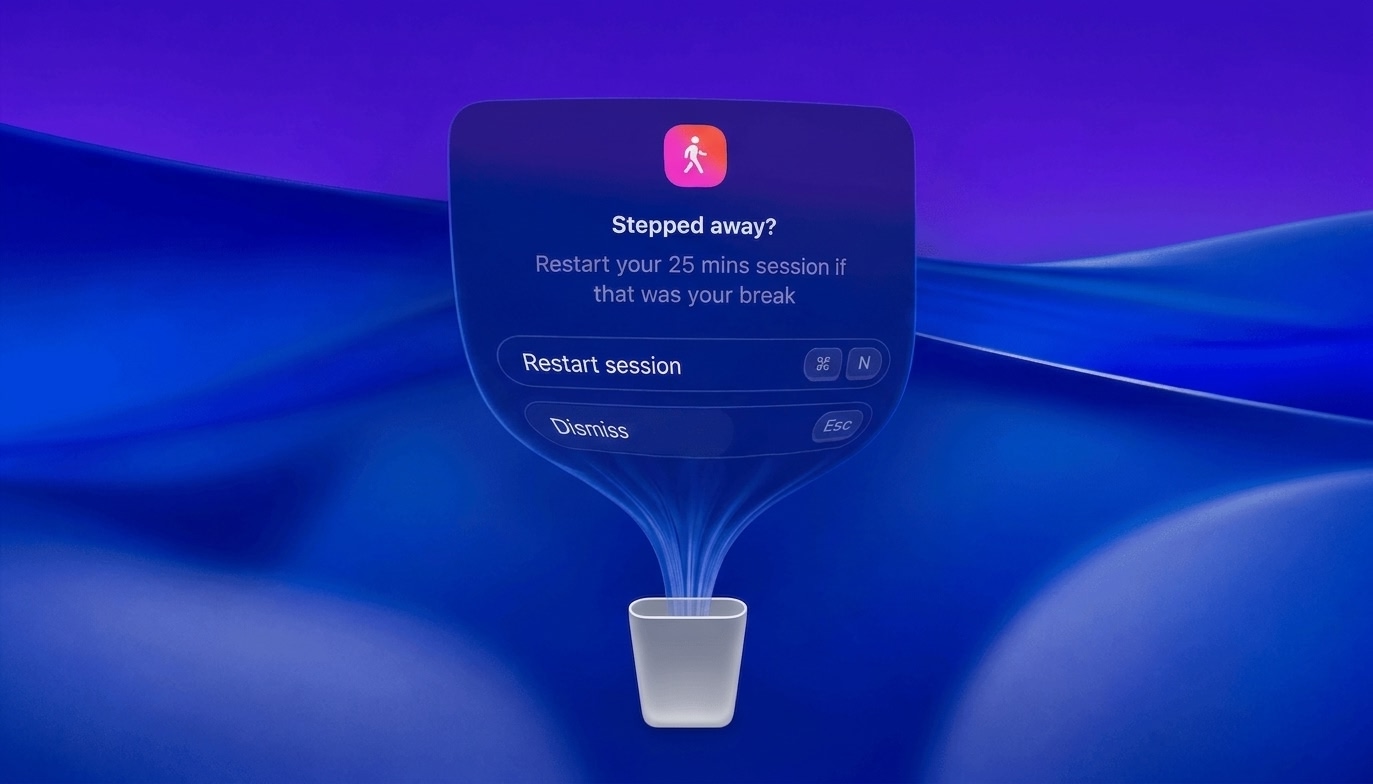
Everything from the notifications to the buttons has been rebuilt to take advantage of Tahoe’s updated materials and visuals.
New Sounds
LookAway now has its own voice.
All sounds in the app have been redesigned to feel gentler, softer, and more calming — so reminders feel like a nudge rather than an interruption.
Break prompts, notifications, and cues have all been carefully tuned to create a more relaxing experience throughout the day.
Animated Break Backgrounds
Break screens now come with a selection of beautiful animated backgrounds.
These slow, ambient visuals bring a sense of calm to your breaks without becoming distracting. They’re subtle, atmospheric, and designed to make stepping away from your screen feel a little more enjoyable.
You can choose the one that fits your mood — or keep things simple with the classic background.
Postpone Limits
LookAway now lets you set limits on how many times you can postpone breaks in a day.
It’s easy to keep pushing breaks forward when you’re busy — sometimes a little too easy. Postpone limits help you stay honest with your screen habits and make sure breaks actually happen.
Once you hit the limit, LookAway gently holds you to it.
Other updates
Here are some other notable improvements in 2.0:
- The wellness reminders now have the options to configure size and position.
- The menu bar icon now displays paused or stopped states even with text disabled.
- When restarting LookAway, the previous session will now resume instead of starting a fresh session.
- "Skip Break" button in notifications and menu bar has been replaced with a +15 minute snooze button.
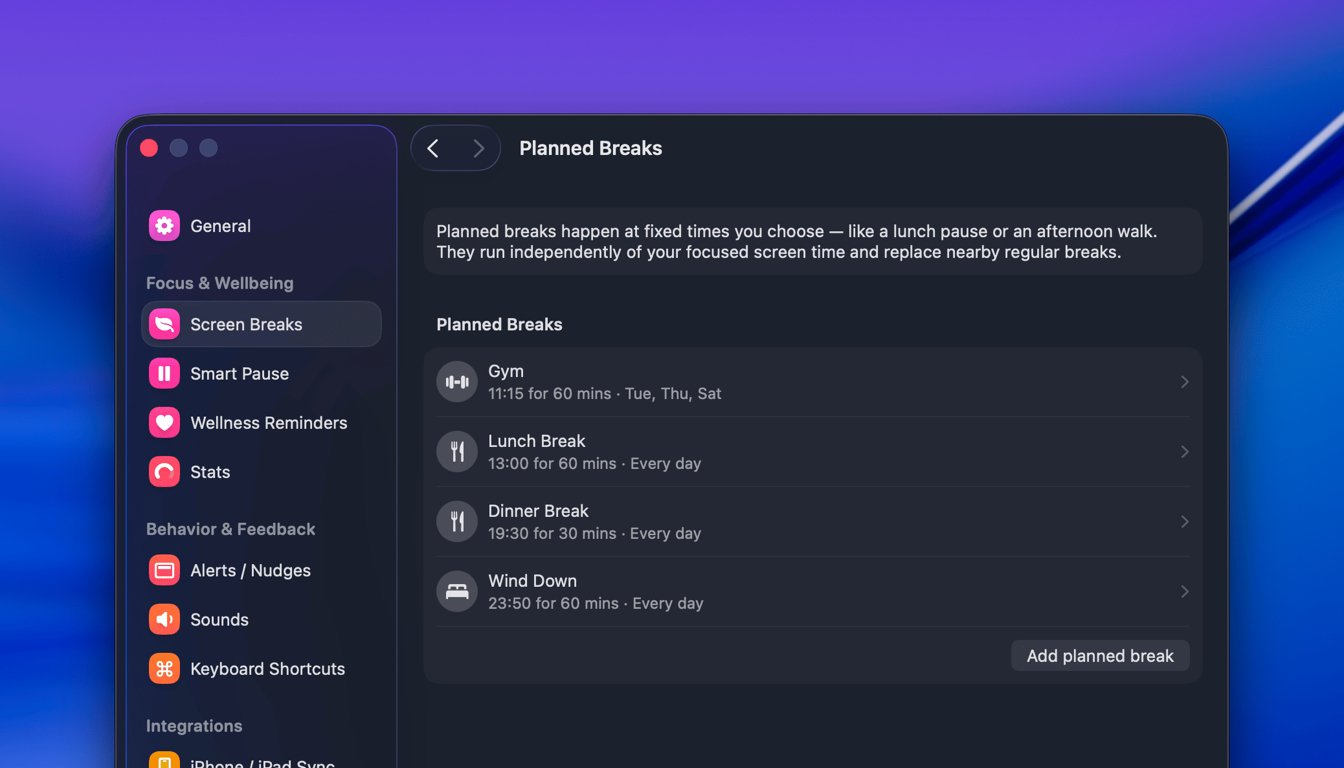
- More customization options have been added for the break screen.
LookAway 2.0 is one of the biggest updates the app has ever received. It’s faster, more insightful, and more polished than ever. Hope you enjoy the update. If you have any feedback, do not hesitate to contact me!

Try LookAway
LookAway is a smart break reminder that helps reduce eye strain, digital fatigue, and maintain better posture - so you can end your day feeling fresh.