Night Shift is the closest thing macOS has to an eye protection mode. Here is how to turn it on, which schedule and warmth settings to use, and what a warmer screen can and cannot do for your eyes.
How to turn on Night Shift on a Mac, the settings worth changing, how it compares to True Tone and Dark Mode, and what the research says it can and cannot do.

There is no setting called eye protection mode on a Mac. The useful controls are spread across macOS, so here is where to find them, what each one does, and what still requires a proper screen break.
Looking for an eye protection mode on your Mac? macOS does not have one switch for it, but Night Shift, True Tone, and a few other settings cover most of the same ground.

Blurry vision after computer use is usually temporary, but it is still a useful signal. Your eyes may need better breaks, more blinking, less glare, larger text, or an updated prescription.
Blurry vision after computer use is often temporary eye strain, dry eyes, glare, or focusing fatigue. Learn what helps and when to get checked.

Computer headaches usually come from a stack of small problems: long near-focus sessions, glare, squinting, dry eyes, neck tension, and a setup that slowly pulls you forward.
Headaches from computer work can come from eye strain, glare, small text, posture, dry eyes, or an outdated prescription. Here is what helps first.

Dry eyes after computer work are common, but they are not something you have to accept as normal. The fix usually starts with better blinking, regular visual breaks, less glare, and a setup that keeps your eyes moist.
Dry eyes from computer use usually come from reduced blinking, long focus sessions, glare, and dry air. Here is what helps and when to see an eye doctor.
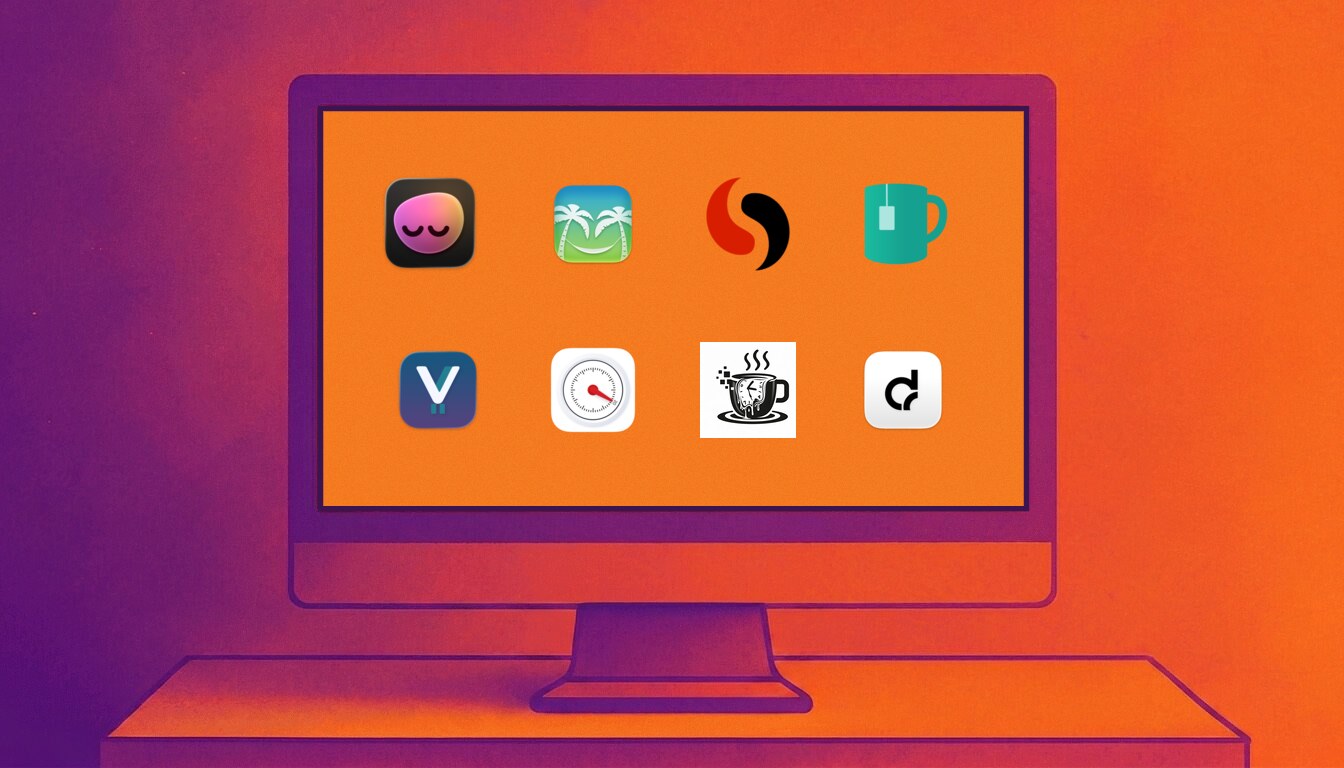
The best Mac break reminder is not just the one with the nicest timer. It is the one you will keep running when real work gets messy.
A practical comparison of the best Mac break reminder apps in 2026, including LookAway, Time Out, Stretchly, BreakTimer, Viraam, Take a Break, Give Me A Break, and DeskRest.

A good screen-break rhythm is simple: give your eyes a brief distance break about every 20 minutes, add a longer movement break every 60 to 90 minutes, and adjust the cadence so it survives real work.
A practical guide to how often to take screen breaks, how long they should be, and how to build a break schedule that works during real computer work.
Protecting your eyes during all-day computer work comes down to short visual breaks, better blinking, better screen setup, and a reminder system you will actually keep using.
A practical guide to preventing computer eye strain, dry eyes, headaches, and screen fatigue during long workdays.
A good Mac break reminder has to survive real work: meetings, videos, deep focus, skip reflexes, and long days at the screen.
A practical guide to choosing a Mac break reminder that protects your eyes without becoming another app you disable after two days.
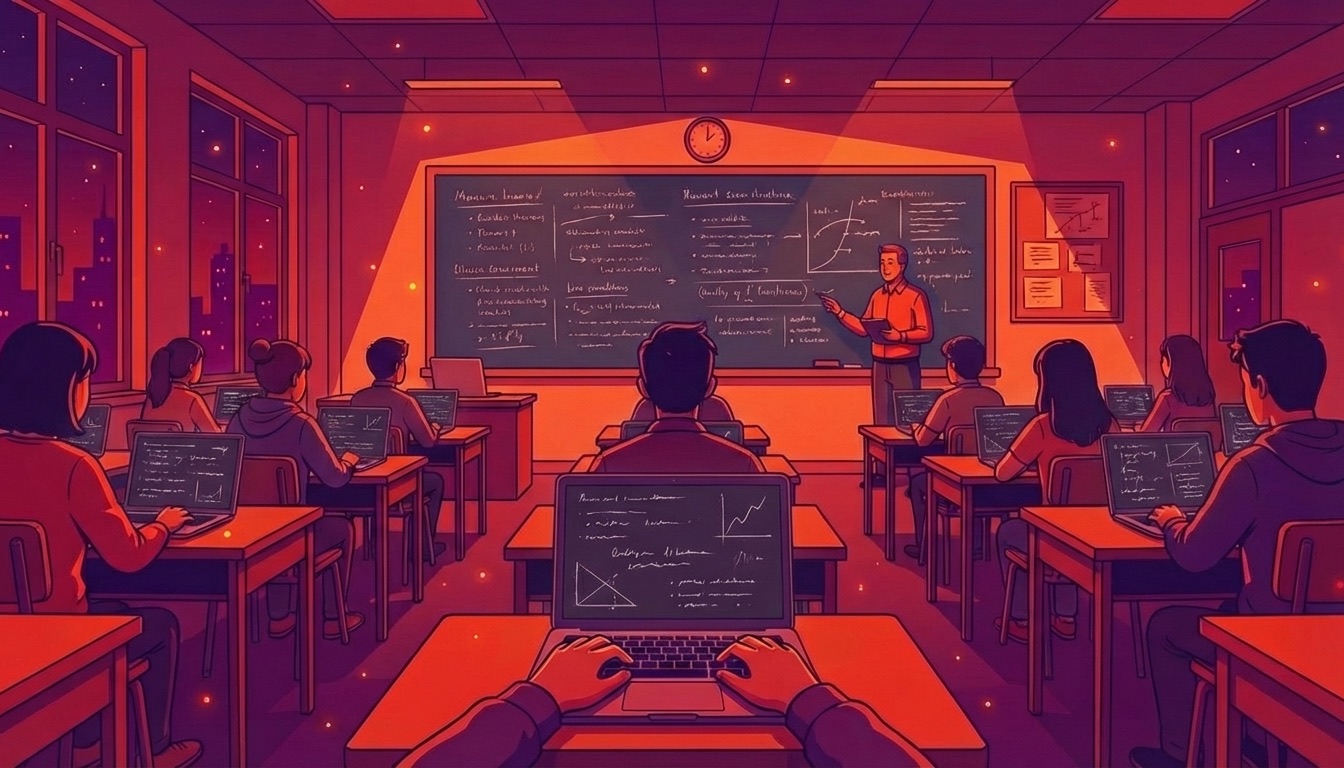
Finals week. You've been switching between lecture slides, textbook PDFs, and practice problems for eight hours straight. Your eyes feel like sandpaper. Here's how to study smarter without destroying your vision.
From lecture recordings to late-night cramming, students face unique eye strain challenges. Learn how to protect your vision during marathon study sessions.
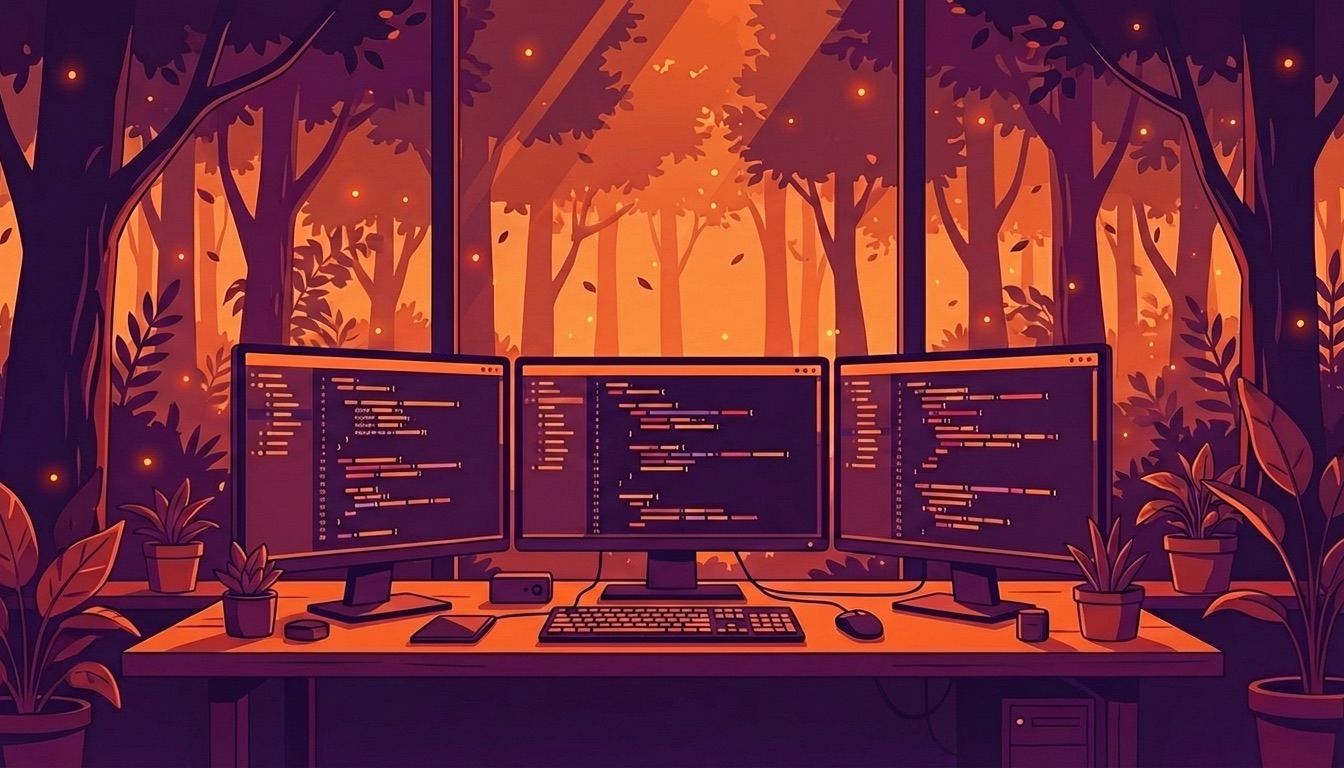
That burning sensation behind your eyes after a long debugging session is more than just fatigue. Here's a developer-specific guide to protecting your vision without sacrificing productivity.
Developers spend 8-12 hours daily staring at code. Learn IDE-specific settings, terminal tweaks, and break strategies that actually work for marathon coding sessions.
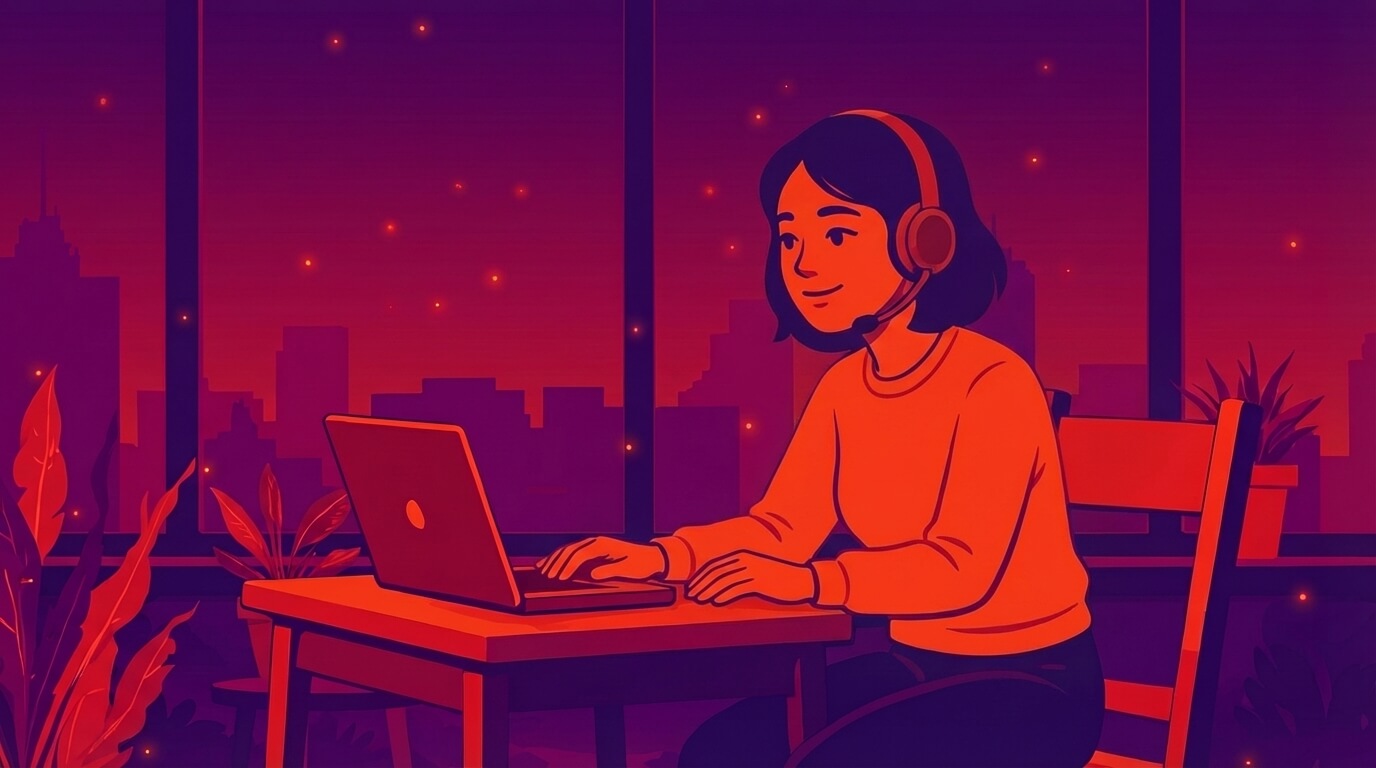
That all-too-familiar feeling of gritty, aching eyes after hours on your Mac has a name: digital eye strain. Here's how to tackle it with practical, Mac-specific tweaks—from workspace ergonomics to macOS settings and smart break routines.
Tired of digital eye strain? Our guide offers Mac-specific tips to reduce eye strain, from workstation setup to macOS settings and break routines.
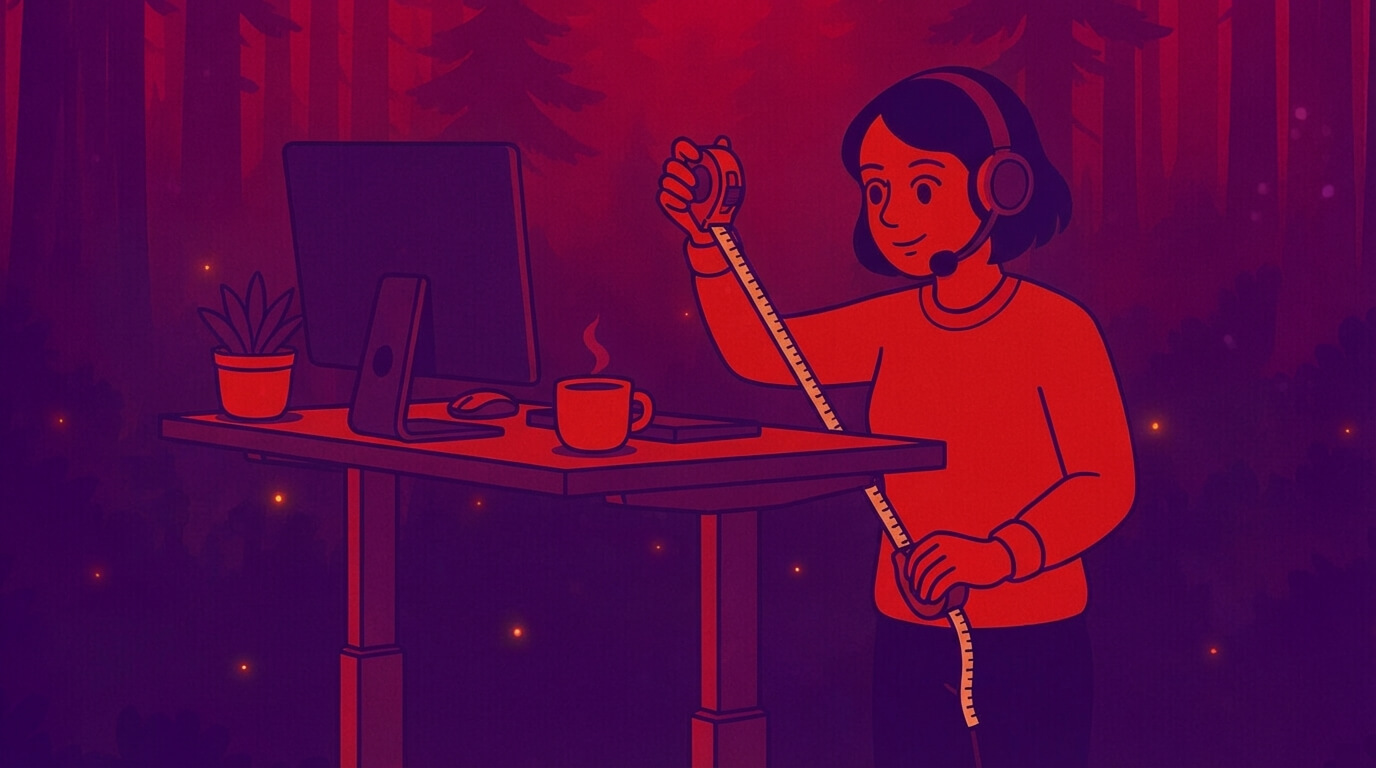
Stop guessing. This guide gives you the exact desk heights for sitting and standing based on your height, plus the simple elbow test that tells you if you've got it right.
Find the exact standing and sitting desk heights for your body. Science-backed height chart, elbow measurements, and setup tips for pain-free productivity.
Pomodoro timers structure work blocks. Break reminder apps protect your eyes, posture, and energy without forcing a fixed rhythm. Learn when to use each and how a simple hybrid outperforms both.
Both promise fewer distractions and better focus, but they solve different problems. Here is a clear comparison and a practical hybrid you can set up in minutes.
Eye strain drains productivity through slower reading, more errors, and presenteeism—especially when dry eye, small text, glare, or poor lighting stack up. The fixes are simple and don’t hurt performance.
Visual fatigue and dry eye don’t just feel bad—they slow reading, increase mistakes, and quietly tax output. Here’s how, and what interventions measurably help.
Arm’s length isn’t a myth—but it isn’t the whole story either. Here’s how to pick the right viewing distance for your 24–42 inch displays, ultrawides, and curved monitors, with simple rules you can actually use.
A practical guide to how far you should sit from your monitor—grounded in ergonomics, visual-angle math, and real-world use.
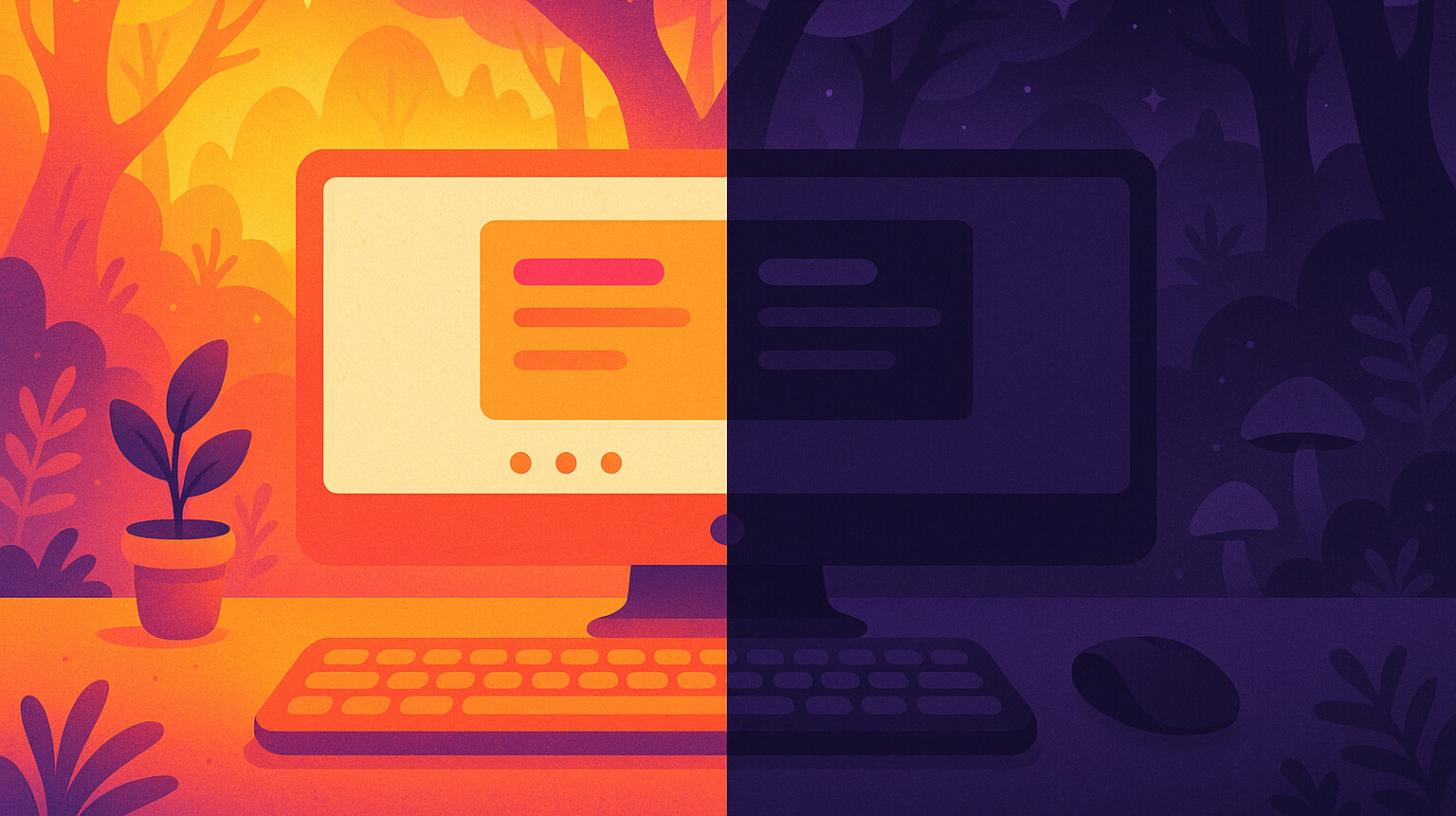
Dark mode looks calm. Light mode looks clear. Which one actually helps your eyes? The answer depends on your lighting, text size, and what you’re doing.
Dark mode can feel soothing, but it isn’t always better for your eyes. Matching your screen mode to your room’s lighting is the key to comfort and clarity.
The most productive employees aren't the ones who work the longest hours. They're the ones who know when to stop. New data from 75,000 workers reveals a surprising pattern: peak performers work in 75-minute sprints followed by intentional breaks.
New research reveals the optimal work-break ratio that boosts productivity by 23%. Learn the science-backed approach to screen time breaks that's changing how we work.
Remote work is here to stay, with executives predicting 27% of workers will remain remote or hybrid by 2028. Yet poor home office ergonomics affect 73% of remote workers, leading to increased back pain, neck strain, and decreased productivity. This complete setup checklist ensures your workspace supports both health and performance.
Master work from home ergonomics with this comprehensive checklist covering proper desk setup, chair positioning, monitor placement, and creating a healthy home office environment for remote workers.
As remote work becomes the new normal, a silent crisis is emerging: 43% of remote workers report worsening eye health, costing businesses billions in lost productivity. With remote employees spending nearly 13 hours daily on screens compared to just 5.5 hours for office workers, the stakes have never been higher.
43% of remote workers spend 13 hours daily on screens and report worsening eye health
 LookAway
 LookAway