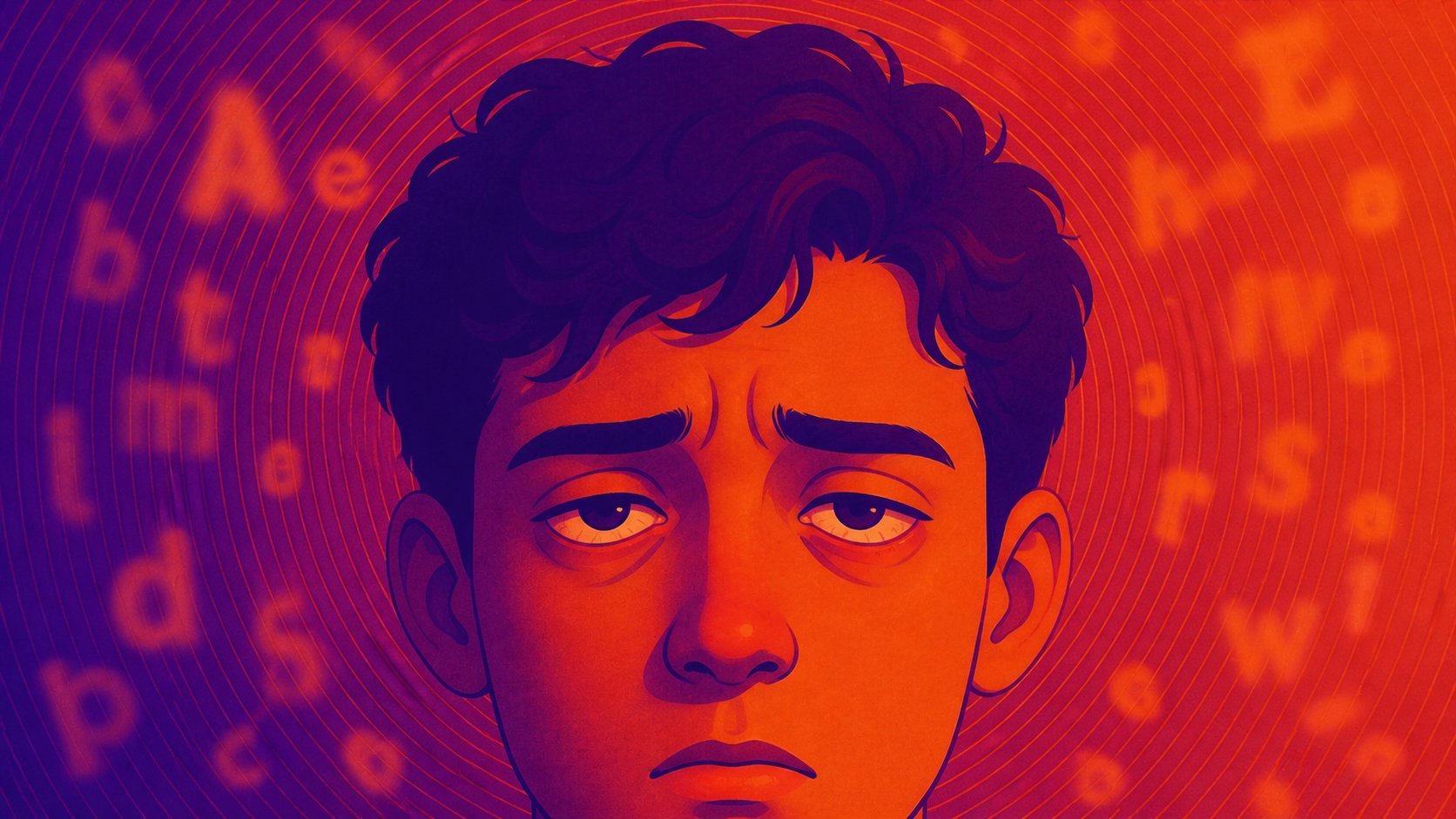
Blurry vision after computer use is usually temporary, but it is still a useful signal. Your eyes may need better breaks, more blinking, less glare, larger text, or an updated prescription.
Blurry vision after computer use is often temporary eye strain, dry eyes, glare, or focusing fatigue. Learn what helps and when to get checked.
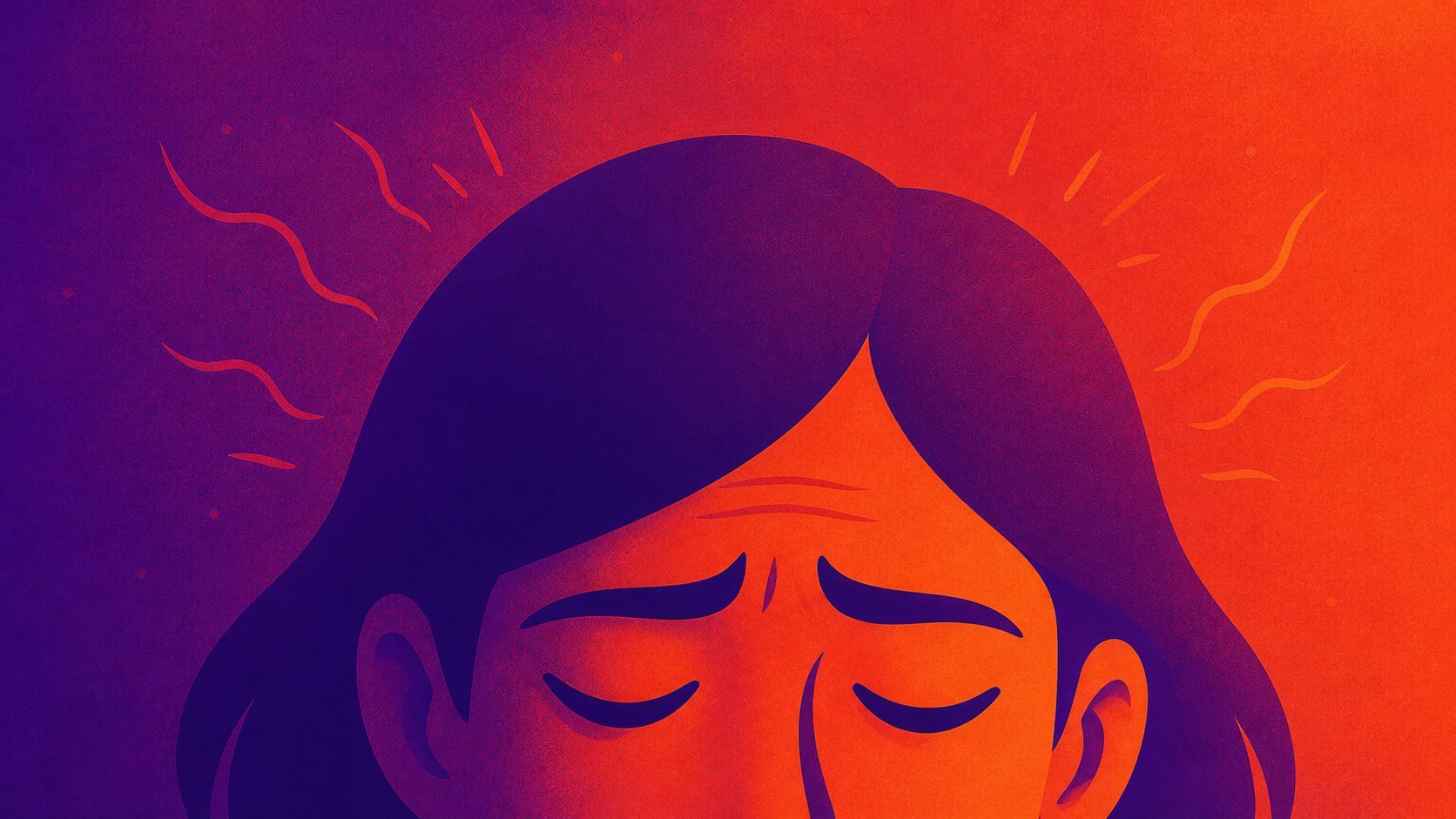
Computer headaches usually come from a stack of small problems: long near-focus sessions, glare, squinting, dry eyes, neck tension, and a setup that slowly pulls you forward.
Headaches from computer work can come from eye strain, glare, small text, posture, dry eyes, or an outdated prescription. Here is what helps first.
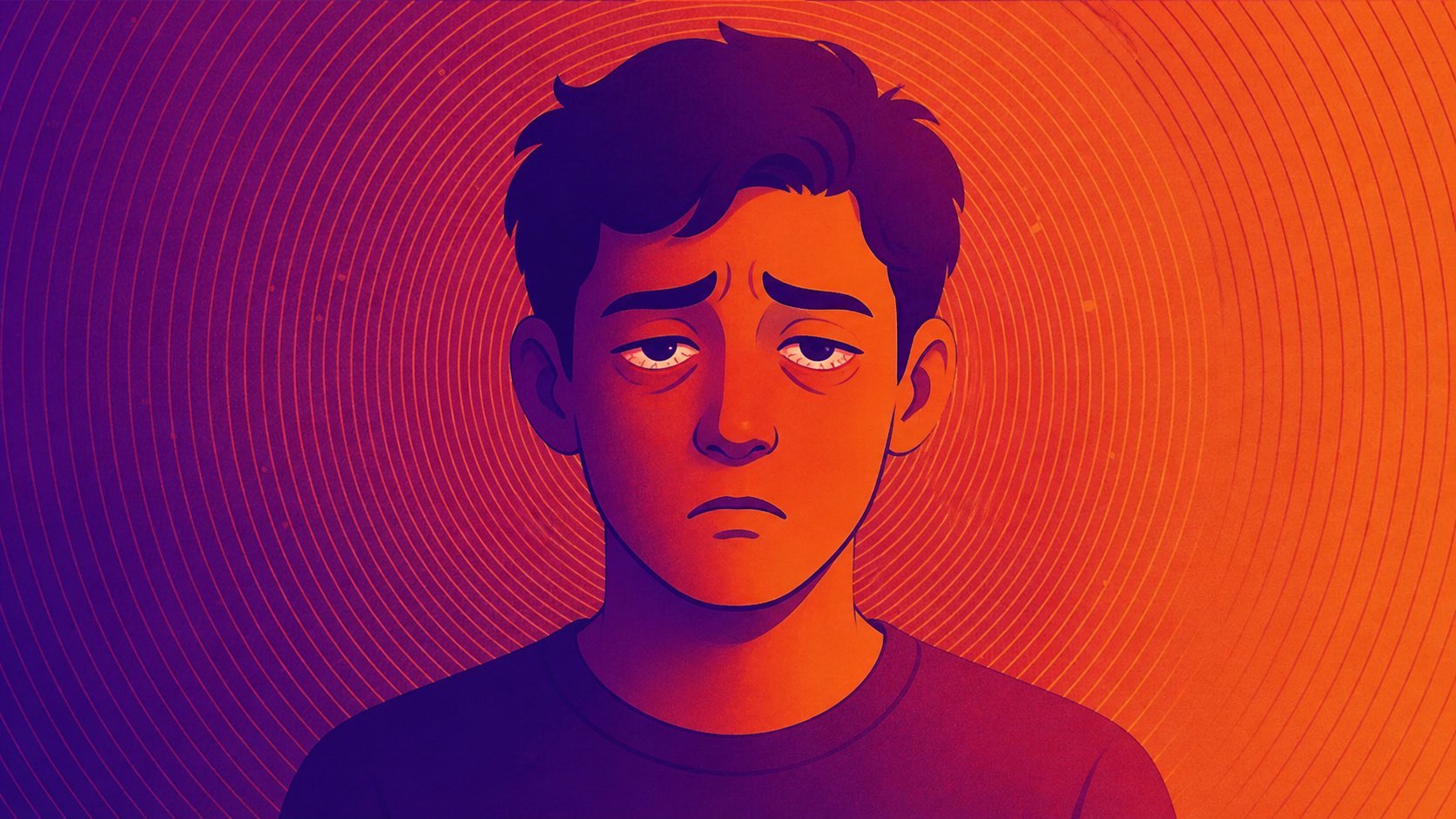
Dry eyes after computer work are common, but they are not something you have to accept as normal. The fix usually starts with better blinking, regular visual breaks, less glare, and a setup that keeps your eyes moist.
Dry eyes from computer use usually come from reduced blinking, long focus sessions, glare, and dry air. Here is what helps and when to see an eye doctor.
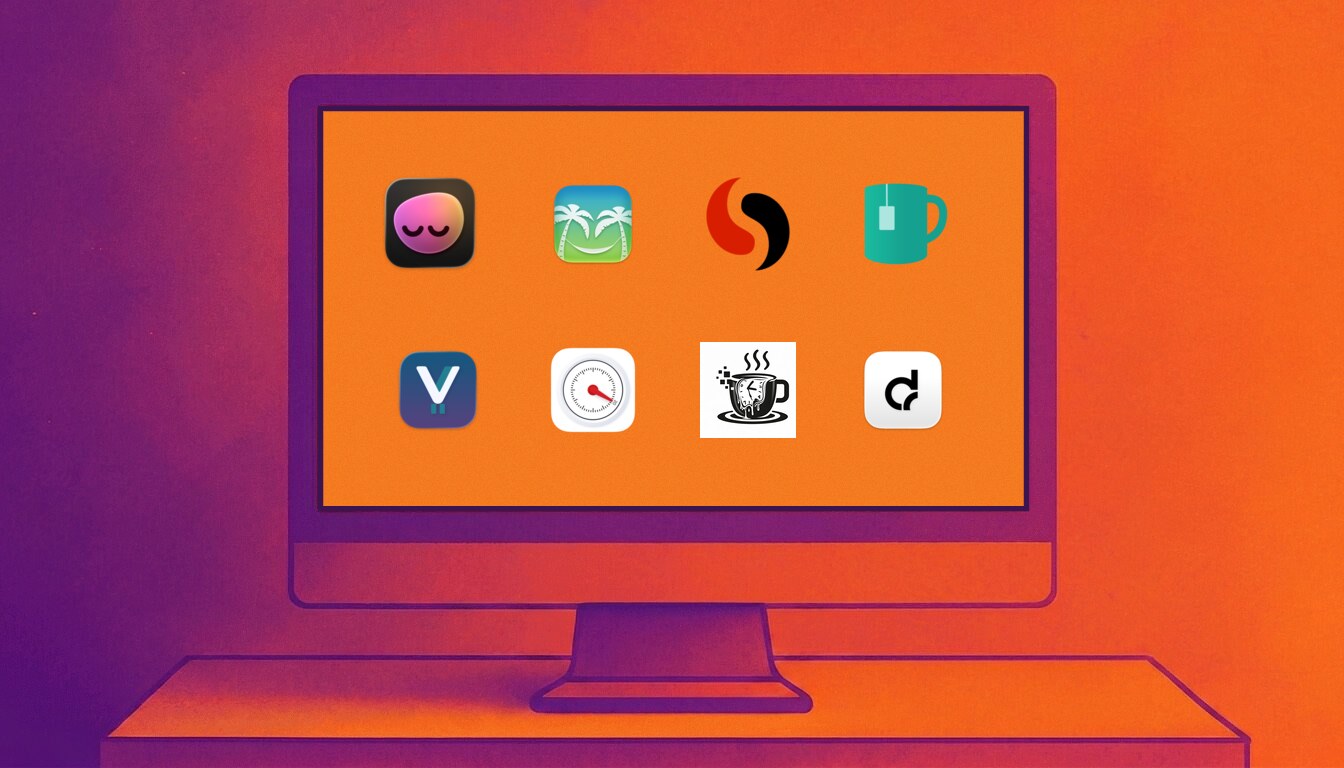
The best Mac break reminder is not just the one with the nicest timer. It is the one you will keep running when real work gets messy.
A practical comparison of the best Mac break reminder apps in 2026, including LookAway, Time Out, Stretchly, BreakTimer, Viraam, Take a Break, Give Me A Break, and DeskRest.
A good screen-break rhythm is simple: give your eyes a brief distance break about every 20 minutes, add a longer movement break every 60 to 90 minutes, and adjust the cadence so it survives real work.
A practical guide to how often to take screen breaks, how long they should be, and how to build a break schedule that works during real computer work.
Protecting your eyes during all-day computer work comes down to short visual breaks, better blinking, better screen setup, and a reminder system you will actually keep using.
A practical guide to preventing computer eye strain, dry eyes, headaches, and screen fatigue during long workdays.
A good Mac break reminder has to survive real work: meetings, videos, deep focus, skip reflexes, and long days at the screen.
A practical guide to choosing a Mac break reminder that protects your eyes without becoming another app you disable after two days.
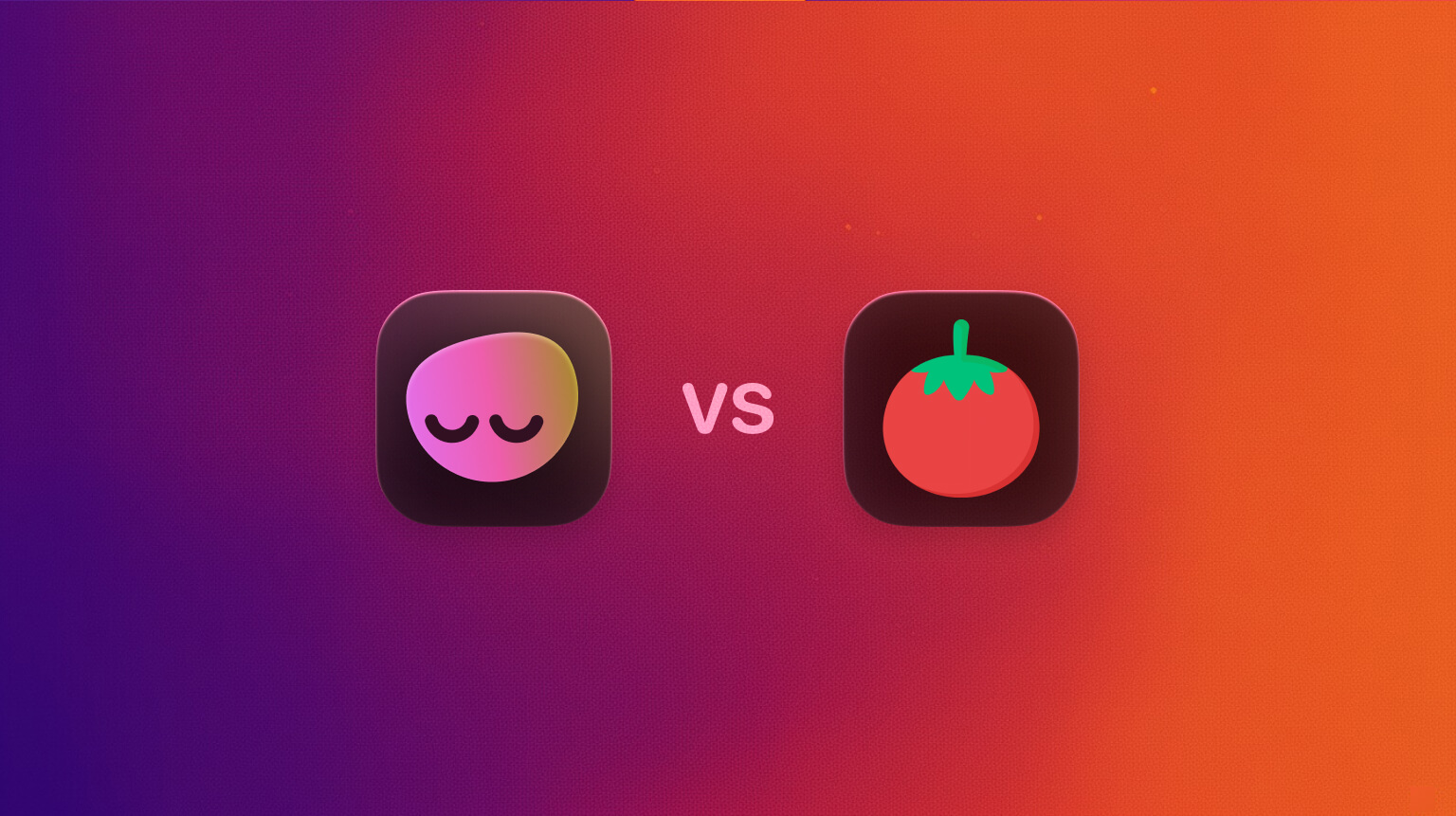
Pomodoro timers structure work blocks. Break reminder apps protect your eyes, posture, and energy without forcing a fixed rhythm. Learn when to use each and how a simple hybrid outperforms both.
Both promise fewer distractions and better focus, but they solve different problems. Here is a clear comparison and a practical hybrid you can set up in minutes.
Nine minutes is enough. This post shows a simple micro-break routine that protects eyes, posture, and focus, plus how to set it up in LookAway so it runs on autopilot.
A practical routine that fits into any workday: nine minutes of well-timed micro-breaks to cut eye strain, neck tension, and mental fatigue without hurting productivity.
Eye strain drains productivity through slower reading, more errors, and presenteeism—especially when dry eye, small text, glare, or poor lighting stack up. The fixes are simple and don’t hurt performance.
Visual fatigue and dry eye don’t just feel bad—they slow reading, increase mistakes, and quietly tax output. Here’s how, and what interventions measurably help.
Arm’s length isn’t a myth—but it isn’t the whole story either. Here’s how to pick the right viewing distance for your 24–42 inch displays, ultrawides, and curved monitors, with simple rules you can actually use.
A practical guide to how far you should sit from your monitor—grounded in ergonomics, visual-angle math, and real-world use.
If your eyes feel heavy, tired, or dry after long hours on the computer, you’re not alone. "Sleepy eyes" are one of the most common symptoms of digital eye strain. The good news: they’re usually easy to fix.
Heavy, droopy eyes after screen time are usually a sign of digital eye strain. Here’s how to fix it with simple, science-backed habits.
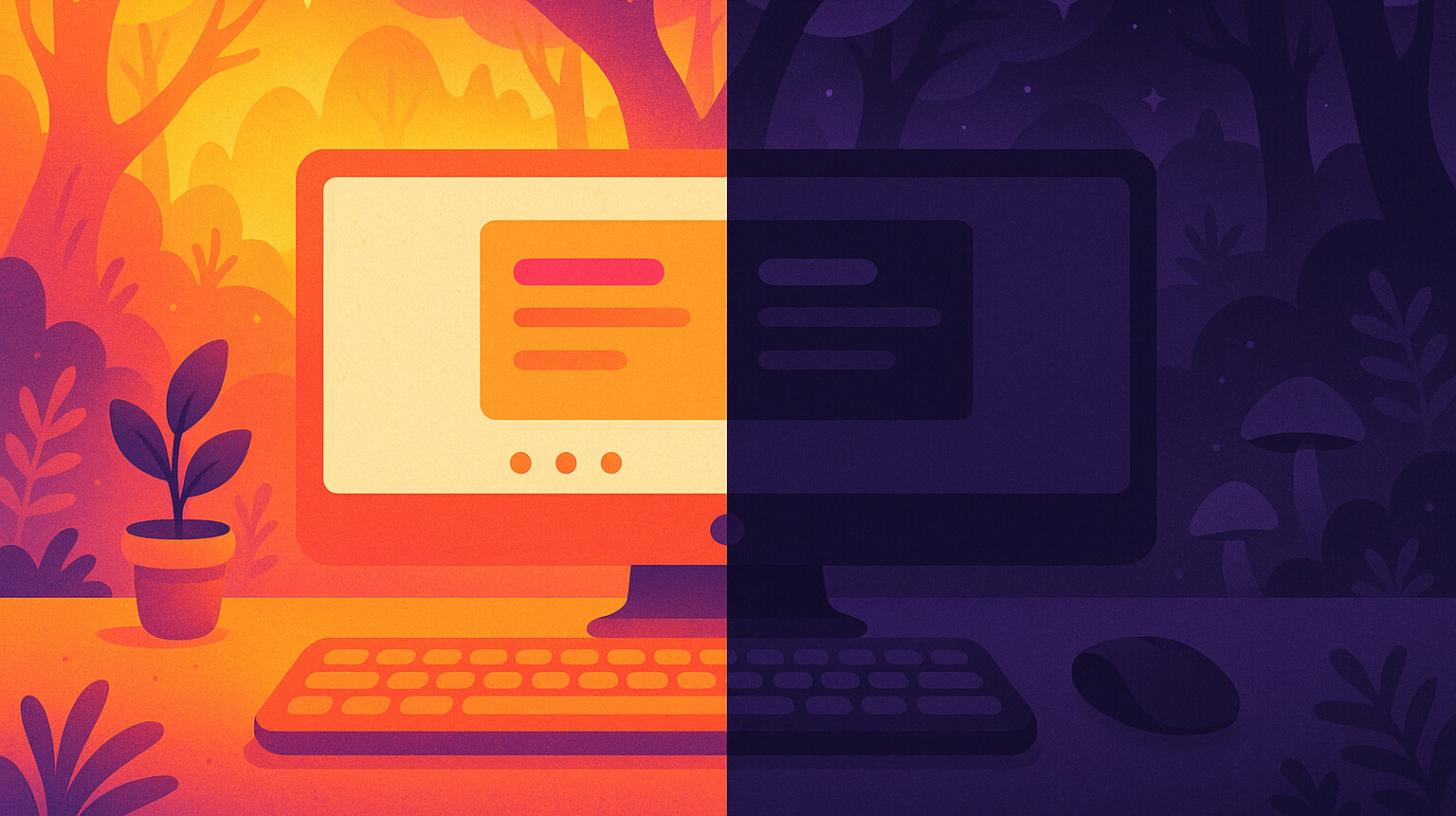
Dark mode looks calm. Light mode looks clear. Which one actually helps your eyes? The answer depends on your lighting, text size, and what you’re doing.
Dark mode can feel soothing, but it isn’t always better for your eyes. Matching your screen mode to your room’s lighting is the key to comfort and clarity.
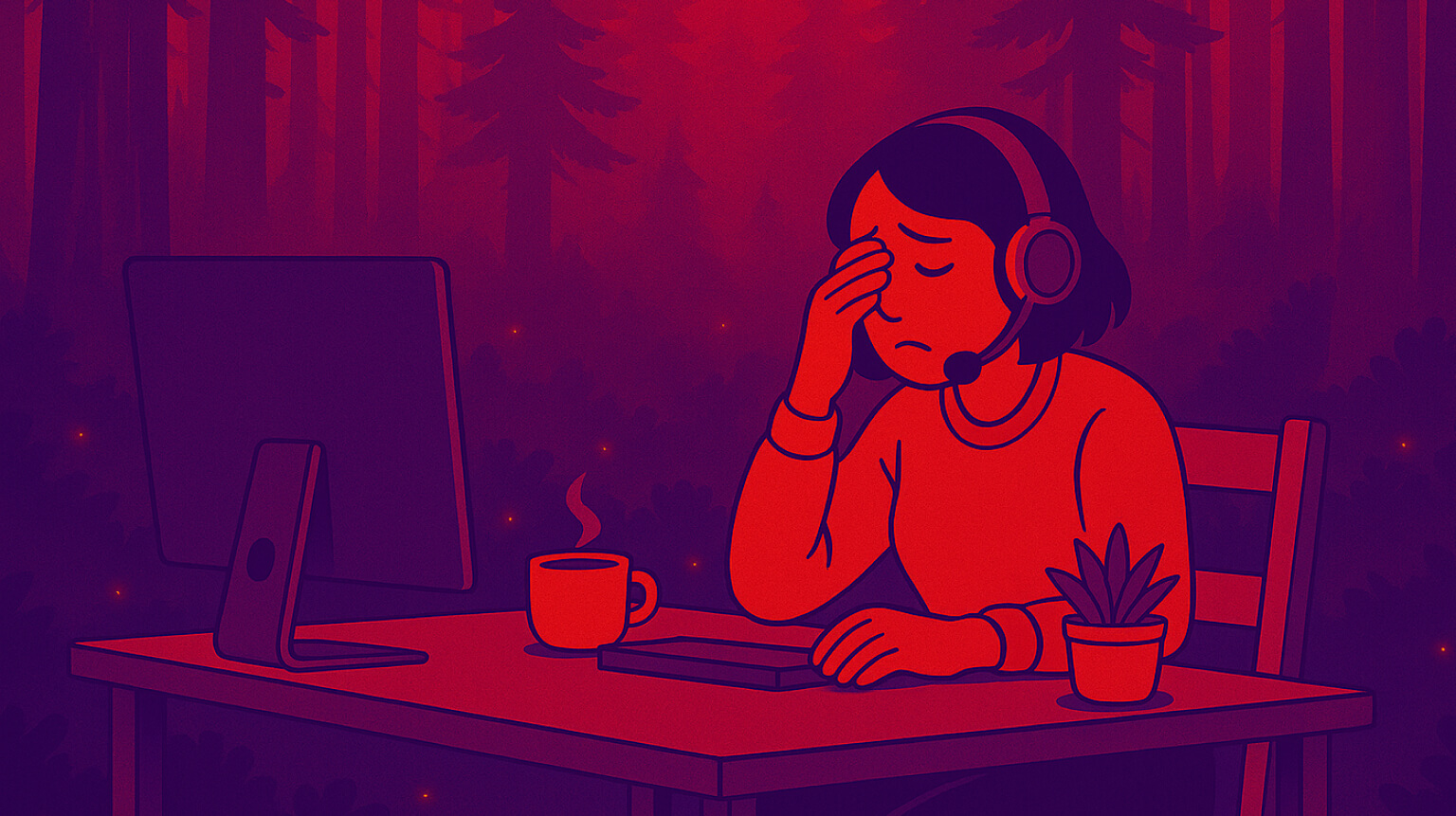
Tired, heavy eyes aren’t usually a sign of permanent damage—but they can ruin your focus and comfort. This guide breaks down the real causes, from reduced blinking to poor lighting, and shares proven ways to refresh your eyes in minutes.
A practical guide to understanding why your eyes feel heavy and tired, plus simple fixes that actually work. Learn how small changes in habits and environment can bring quick relief.
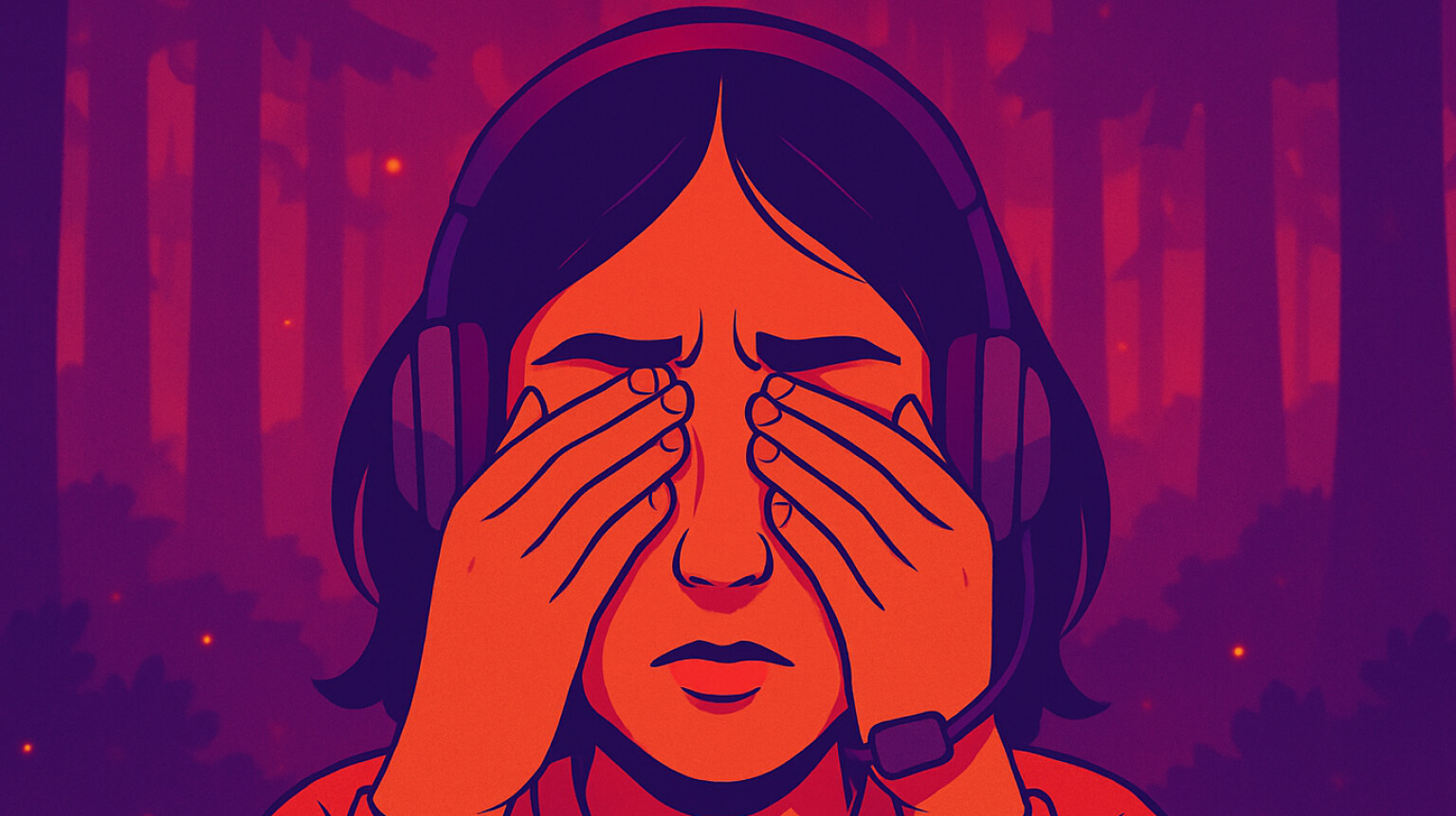
Over 60% of digital device users experience eye strain symptoms, but most don't know when mild discomfort signals a more serious problem. Understanding these warning signs—and knowing effective treatments—can protect your vision and productivity.
Learn to recognize digital eye strain symptoms and understand when mild eye discomfort becomes a cause for concern. Discover evidence-based solutions and warning signs that require medical attention.

Screen-related eye strain affects 75% of computer workers, but simple exercises can provide genuine relief. We've compiled 7 scientifically-backed techniques that take just minutes to perform yet deliver measurable results for digital eye fatigue.
Discover 7 evidence-based eye strain relief exercises that provide real results. Learn the proper techniques, timing, and how to integrate them into your work routine for maximum effectiveness.
A staggering 54.4% of IT professionals spend 8+ hours daily in front of screens, leading to eye strain, musculoskeletal pain, and cognitive fatigue - it's time to rethink our work habits.
54.4% of IT pros spend 8+ hours on screens - health risks are real.
Staring at a screen late into the night doesn’t just steal your time; it steals your rest. Blue light from phones, laptops, and TVs keeps your brain alert right when it should be winding down. Understanding this link can help you reclaim deep, healthy sleep
Excessive screen time before bed makes it harder to fall asleep and stay asleep
We live in a digital age. From sunrise to sunset, screens dominate our lives. Smartphones, computers, tablets—they're everywhere. But have you ever stopped to wonder what all this screen time is doing to your brain and eyes? Let's explore the science behind screen fatigue and how prolonged screen use affects us.
The science behind screen fatigue and how prolonged screen use impacts us
 LookAway
 LookAway